
GCash Cashback 2026: Save ₱530 in the Philippines
GCash is offering ₱530 in combined cashback right now, ₱30 from Tap to Pay and ₱500 from GCrypto. Use this to claim both.
₱530 in GCash cashback you're probably not claiming
GCash runs cashback promotions all the time, but most people either don't know about them or don't bother figuring out the mechanics. Right now there are two worth paying attention to: ₱30 from Tap to Pay and ₱500 from GCrypto. Combined, that's ₱530 back in your wallet for things you might already be doing.
Here's how both work and whether they're worth your time.
The ₱30 tap to pay cashback
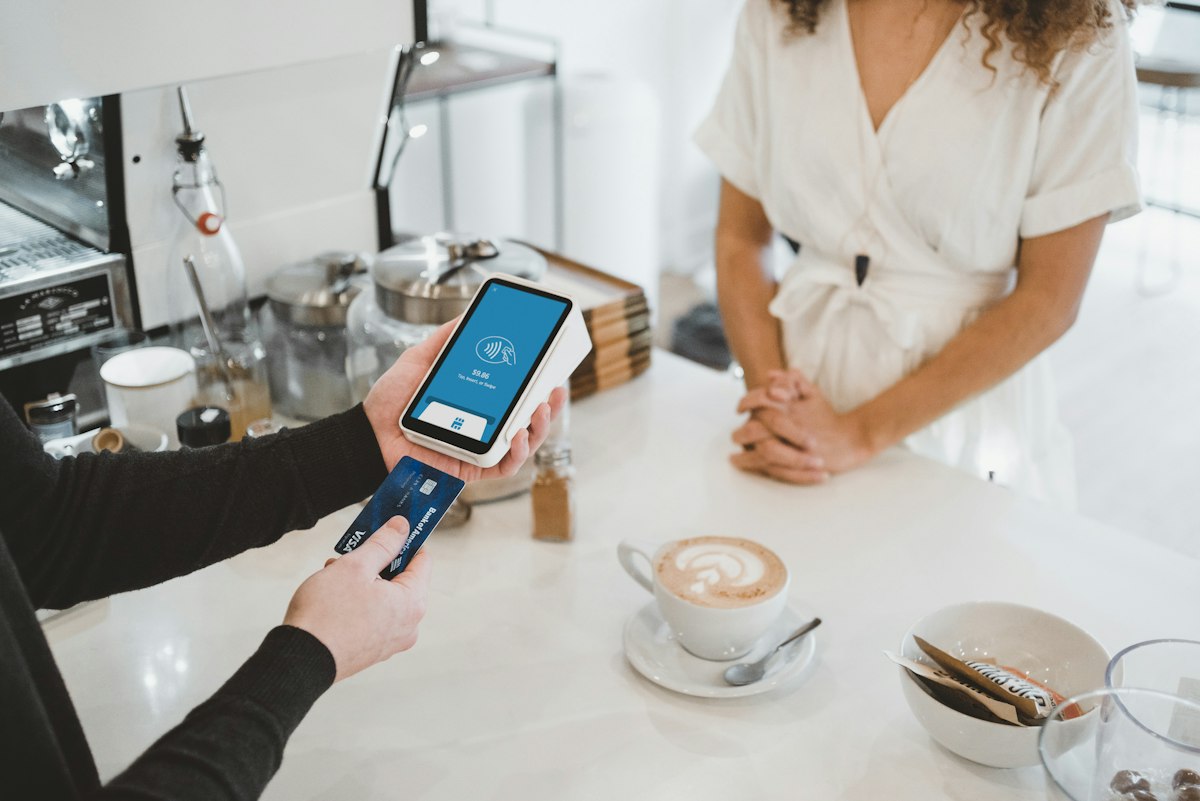
This one is easy. Make 3 contactless payments of at least ₱300 each using GCash Tap to Pay, and you get ₱30 back.
How to set it up:
- Update your GCash app to the latest version
- Go to Settings and enable Tap to Pay
- At any store with a contactless terminal (the four curved lines symbol), tell the cashier you're paying with GCash Tap to Pay
- Tap your phone on the terminal
- Do this 3 times at ₱300+ each
The ₱30 cashback hits your wallet immediately or within minutes of your third qualifying transaction.
Is it worth it? For ₱30, honestly, only if you're already shopping at places with contactless terminals. Don't go out of your way to make purchases just for this. But if your regular grocery run and coffee stops accept it, you might as well.
The ₱500 GCrypto cashback
This is the bigger one, but it's more restrictive. Make a single GCrypto transaction of ₱10,000 or more (buying or selling Bitcoin, Ethereum, etc.) and you get ₱500 back.
The catch: it's limited to the first 500 people who qualify. So timing matters.
How to do it:
- Open GCash, find GCrypto under services
- You need a verified account (not basic, you need Tier 3 with a valid ID)
- Make a ₱10,000+ buy or sell transaction
- If you're among the first 500, ₱500 lands in your wallet
Is it worth it? If you were going to trade crypto anyway,. That's a 5% return on a ₱10,000 trade, not counting whatever the crypto itself does. If you're not into crypto and would only do this for the cashback, think about it more carefully, crypto prices can move against you by more than ₱500 while you hold.
Stacking both
The two promos are independent, so you can claim both. That's ₱530 total.
For the Tap to Pay, batch your errands, groceries, pharmacy, lunch. Three stops over ₱300 each and you're done.
For GCrypto, watch for the promo launch announcement and act fast. The 500-person cap means it can fill up within hours.
Cash-in tip
If you need to load your GCash wallet to cover these, the first ₱8,000 per month is free at over-the-counter partners like Palawan Express and 7-Eleven. After that, you pay a 2% fee on the excess. So loading ₱10,000 for the GCrypto trade would cost ₱40 in fees on the extra ₱2,000, still well worth it for a ₱500 cashback.
Common mistakes to avoid
Spending under ₱300 per Tap to Pay transaction. Each of your 3 transactions must be at least ₱300. ₱299 doesn't count.
Not being verified for GCrypto. Basic GCash accounts are capped at ₱10,000 total wallet limit. You need full verification (Tier 3) to make a ₱10,000 trade. Upgrade in the app with a valid government ID.
Moving too slowly on the GCrypto promo. First 500 only. Check the GCash app regularly for promo announcements and act within the first few hours.
Exceeding the ₱8,000 free cash-in limit. If you cash in more than ₱8,000/month at OTC partners, the 2% fee on the overage eats into your savings. The limit resets on the first of each month.
FAQs
Do I need the latest GCash version for Tap to Pay? Yes. Older versions may not have the feature enabled. Update from your app store.
Can I use any store for Tap to Pay? Any store with a contactless payment terminal. Look for the four curved lines symbol. Most major supermarkets, convenience stores, and chain restaurants support it.
Is the GCrypto promo always running? No. It's a limited-time, limited-slot promotion. Check the GCash app for current availability.
What's the difference between basic and verified GCash? Basic accounts have a ₱10,000 wallet limit. verified (Tier 3) accounts can hold up to ₱100,000 and access features like GCrypto.